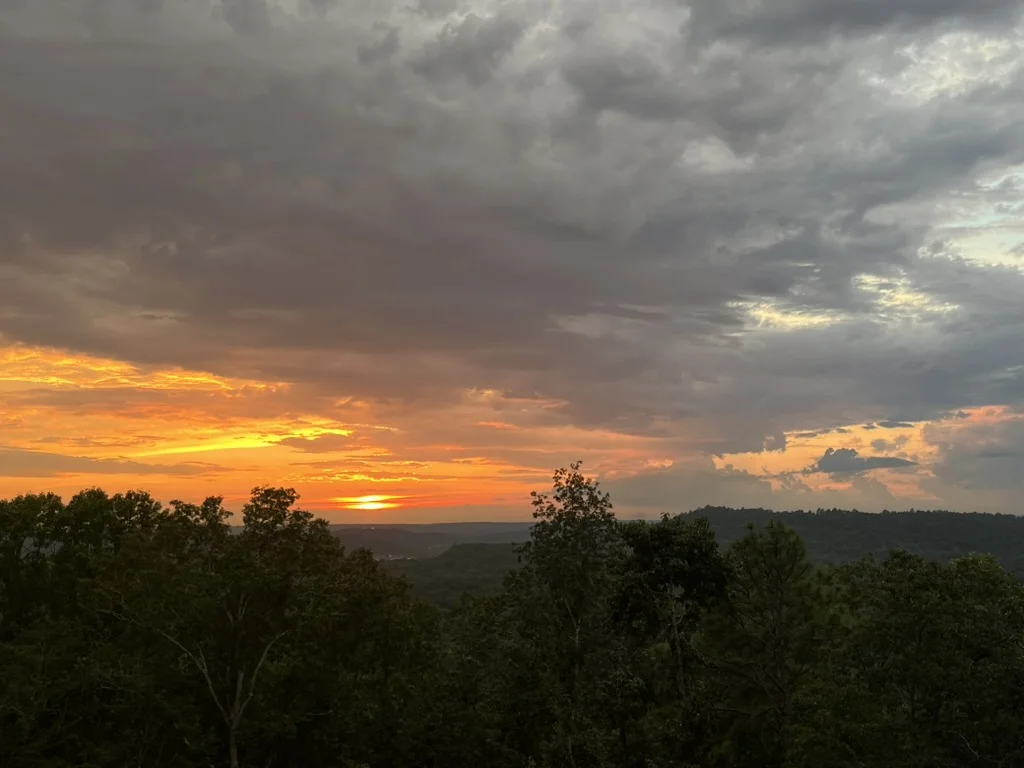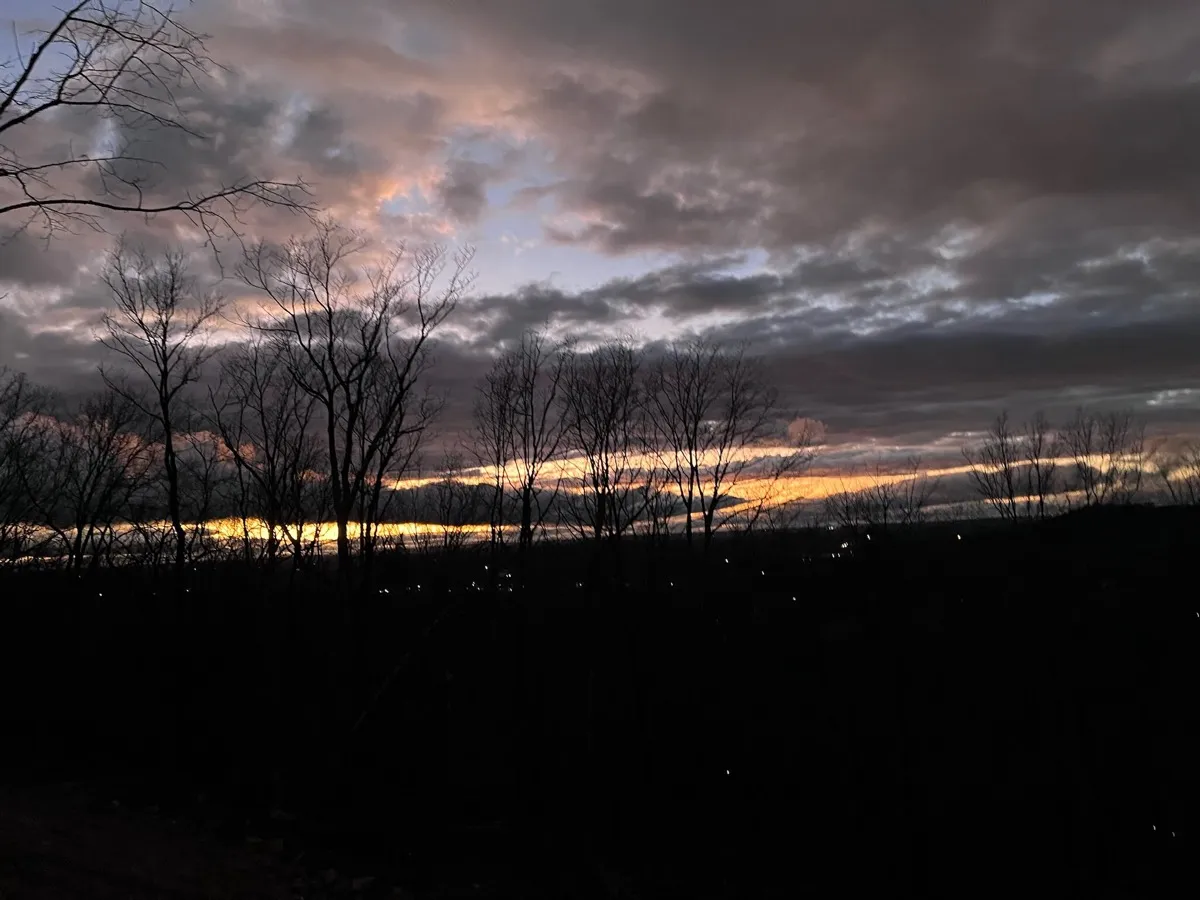
The short version: This tutorial shows how to build an automated sunset timelapse system using a Raspberry Pi, RTSP streaming, and the YouTube API. The system calculates sunset times astronomically, captures frames at precise intervals, processes them into timelapse videos, and uploads to YouTube, all without human intervention.
Real-time reliability, astronomical precision, and the art of never missing golden hour
The Problem: The Daily Sunset Memory Test
“Oh wow, look at the sky, the sunset tonight is going to be spectacular. I should have started a timelapse!” This became a common refrain in our house. My husband would glance outside, see perfect conditions developing, and realize he’d forgotten to check the sky earlier and start recording through the Reolink app. By the time he scrambled to get it going, we’d missed the opening act.
We had a perfectly good 4K camera with a clear view of the northwestern sky, but we kept missing amazing sunsets because we relied on remembering to check and start recording early enough to catch the full show. Sunset timing is predictable, human memory, apparently, is not.
The solution needed to be completely autonomous: calculate sunset times automatically, start capturing before golden hour begins, and handle the 2-hour recording window without human intervention or system failures.
Project Overview: Live Capture Architecture
Hardware Setup
- Camera: Reolink RLC810-WA (4K PoE security camera with RTSP and ONVIF support)
- Controller: Raspberry Pi 4 (4GB RAM) running Raspberry Pi OS
- Network: Wi-Fi (but eventually want a wired ethernet connection for better reliability)
- Storage: 32GB SD card
Software Stack (Live Capture Focus)
- Python 3.9+ for control logic
- Astral library for astronomical calculations
- OpenCV for RTSP streaming and frame capture
- FFmpeg for video processing and stream handling
- systemd for 24/7 autonomous operation
Capture Specifications
- Daily schedule: Automatically calculated based on astronomical sunset times
- Capture window: 1 hour before sunset to 1 hour after sunset (2 hours total)
- Recording method: Chunked RTSP capture in 15-minute segments
- Processing: Real-time concatenation and frame extraction
- Seasonal adaptation: Window automatically shifts as sunset times change throughout the year
The Heart: Astronomical Precision
The most critical component is getting the timing right. Using the Astral library, the system calculates precise sunset times for any location and date:
def get_capture_window(self, target_date: date) -> Tuple[datetime, datetime]:
    """Define the 2-hour capture window around sunset"""
    try:
        local_midnight = datetime.combine(target_date, datetime.min.time())
        local_midnight = local_midnight.replace(tzinfo=self.timezone)

        # Use Astral for astronomical calculations
        s = sun(self.location.observer, date=local_midnight)
        sunset_utc = s['sunset']
        sunset_local = sunset_utc.astimezone(self.timezone)

        # Capture 1 hour before and after sunset
        start_time = sunset_local - timedelta(minutes=60)
        end_time = sunset_local + timedelta(minutes=60)

        return start_time, end_time

    except Exception as e:
        self.logger.error(f"Failed to calculate sunset for {target_date}: {e}")
        raise
This approach handles:
- Seasonal variations (Alabama sunsets range from 4:50 PM to 7:50 PM)
- Daylight saving time transitions automatically
- Timezone accuracy for precise scheduling
The Core Challenge: Reliable 2-Hour RTSP Capture
Recording a continuous 2-hour RTSP stream sounds simple, but in practice, network hiccups, camera firmware quirks, and OpenCV buffer limitations made long captures unreliable. The solution was chunked recording.
The Chunking Solution: 15-Minute Segments
def capture_video_sequence(self, start_time: datetime, end_time: datetime) -> List[Path]:
    """Capture video via RTSP using chunked recording for reliability"""

    chunk_duration_minutes = 15  # Record in 15-minute chunks
    total_duration = (end_time - start_time).total_seconds()
    chunks_needed = int(total_duration / (chunk_duration_minutes * 60)) + 1

    self.logger.info(f"Recording {total_duration:.0f} seconds in {chunks_needed} chunks")

    # Build direct RTSP URL for Reolink
    rtsp_url = f"rtsp://{self.username}:{self.password}@{self.ip}:554/h264Preview_01_main"

    chunk_videos = []
    current_time = start_time

    # Record each chunk
    for chunk_idx in range(chunks_needed):
        chunk_end_time = min(current_time + timedelta(minutes=chunk_duration_minutes), end_time)
        actual_duration = (chunk_end_time - current_time).total_seconds()

        # Calculate timeout with buffer
        timeout_seconds = actual_duration + max(60, actual_duration * 0.1)

        # Record RTSP stream using ffmpeg with stream copy
        cmd = [
            'ffmpeg', '-y',
            '-rtsp_transport', 'tcp',
            '-i', rtsp_url,
            '-t', str(int(actual_duration)),
            '-c', 'copy',  # Stream copy - much faster than re-encoding
            '-avoid_negative_ts', 'make_zero',
            str(temp_video_path)
        ]

        result = subprocess.run(cmd, capture_output=True, text=True, timeout=timeout_seconds)

        if result.returncode == 0:
            self.logger.info(f"Chunk {chunk_idx + 1} completed")
            chunk_videos.append(temp_video_path)
        else:
            self.logger.error(f"Chunk {chunk_idx + 1} failed: {result.stderr}")

        current_time = chunk_end_time

    return chunk_videos
Why Chunking Works
Reliability Benefits:
- Network resilience: 15-minute failures don’t destroy 2-hour captures
- Memory management: Prevents OpenCV buffer overflow during long streams
- Error isolation: Failed chunks preserved for debugging while successful ones continue
- Timeout handling: Each chunk has appropriate timeout calculations
Performance Benefits:
- Stream copy mode: No re-encoding during capture (much faster)
- TCP transport: More reliable than UDP for longer captures
- Timestamp management: Proper frame timing across chunk boundaries
Video Assembly: Seamless Concatenation
After capturing 8 chunks (for a 2-hour window), they need to be joined. Using FFmpeg’s concat demuxer with stream copy mode creates seamless joins without quality loss or re-encoding delays.
def _concatenate_video_chunks(self, chunk_paths: List[Path]) -> Path:
    """Concatenate multiple video chunks into a single video file"""

    # Create concat file list for FFmpeg
    with tempfile.NamedTemporaryFile(mode='w', suffix='.txt', delete=False) as concat_file:
        for chunk_path in chunk_paths:
            concat_file.write(f"file '{chunk_path}'\n")
        concat_file_path = Path(concat_file.name)

    # Use FFmpeg concat demuxer for lossless concatenation
    cmd = [
        'ffmpeg', '-y',
        '-f', 'concat', '-safe', '0',
        '-i', str(concat_file_path),
        '-c', 'copy',  # Stream copy for lossless concatenation
        str(output_path)
    ]

    subprocess.run(cmd, capture_output=True, text=True, timeout=300)
    return output_path
From Video to Timelapse: Frame Extraction
Once the 2-hour video is assembled, frames are extracted at 5-second intervals for the final timelapse. The system extracts ~1440 images per day, each precisely timestamped for video processing.
The Math: Real-Time Playback
With images captured every 5 seconds, playing at 12 FPS creates real-time speed:
# 5-second intervals → 12 FPS → real-time playback speed
fps = 60.0 / interval_seconds  # 60/5 = 12 FPS
The math matters: A 2-hour sunset window becomes a 2-minute video that perfectly captures the natural pace of changing light.
Deployment: 24/7 Autonomous Operation
Raspberry Pi Service Configuration
# systemd service for 24/7 operation
[Unit]
Description=Sunset Timelapse Scheduler
After=network.target

[Service]
Type=simple
User=pi
ExecStart=/home/pi/sunset_timelapse/venv/bin/python main.py schedule --validate
Restart=always
RestartSec=30
Daily Operation Cycle
- 06:00: System validates camera connection, calculates sunset time
- Sunset-60min: Begins 15-minute chunked RTSP recording
- Sunset+60min: Stops recording, concatenates chunks
- Processing: Extracts frames, creates timelapse video
- Cleanup: Removes old images (7-day retention), chunk files
- Sleep: System waits until next day’s cycle
Performance Metrics (Raspberry Pi 4)
- Images captured: ~1440 per day (every 5 seconds for 2 hours)
- Processing time: ~15 minutes end-to-end
- Memory usage: <200MB peak during video processing
- Storage: ~500MB images, ~200MB chunks, ~50MB final video
Each timelapse tells the story of a unique evening, storm clouds racing across the sky, clear nights with aircraft contrails, seasonal color changes in the landscape.
Key Lessons Learned
1. Chunking is Essential for Long Captures
15-minute segments solved reliability issues that plagued 2-hour monolithic recordings. The slight processing complexity was worth the dramatic reliability improvement.
2. Stream Copy Mode is Your Friend
Never re-encode during capture. Stream copy mode is 10x faster and preserves original quality.
3. Astronomical Libraries Beat Manual Calculations
The Astral library handles edge cases (leap years, DST transitions, latitude extremes) that would take weeks to implement correctly.
4. Timeout Management Requires Buffers
Dynamic timeout calculation (chunk_duration + 10% buffer) prevented false failures while catching real problems quickly.
Looking Forward
Future live capture enhancements include weather integration to identify theoretically visibile storms and start a new timelapse dynamically.
This is Part 1 of a two-part technical series. Part 2: Historical Processing covers the backup recovery pipeline for processing missed days from camera SD card footage.
Live Capture Stats:
- 8 video chunks seamlessly concatenated per session
- 15-minute chunk duration prevents RTSP timeout failures
- <200MB RAM usage during processing on Raspberry Pi 4
- Fully autonomous operation with systemd service integration
Source code: github.com/lolovespi/sunset-timelapse
Need help building robust automation systems for your organization? I’m currently exploring new opportunities as a CISO, head of security (full-time or fractional), or in advisory roles. Whether it’s automated security monitoring, incident response systems, or complex technical challenges, let’s talk about problems that need solving.